Personal video hosting from the cloud without server load — exploring project 91
Sometimes you want to set up your own media server for a home archive or personal recordings, but you immediately run into resource constraints. A budget virtual machine usually comes with a modest 20 gigabyte disk and limited bandwidth. Streaming a couple of heavy video files easily saturates the network, and storing gigabytes of content requires constantly buying more space.
Recently I came across a project with the concise name 91. It's a private video hosting solution built with Go that solves the disk space and traffic problem with a simple trick. It uses your existing cloud storage, and serves videos through direct redirects.
What's the main feature
Regular media servers like Plex or Jellyfin route all heavy video streams through their own processor and network interface. If your server is on a cheap VPS, transcoding and distribution quickly hit a ceiling.
Project 91 works differently. It handles the tasks of a catalog, admin panel, and web interface generator. When you play a video, the server sends the browser an HTTP 302 with a direct link to the cloud storage CDN. As a result, VPS traffic is only used for serving the web page itself and thumbnails, while the video stream goes directly from the cloud provider to the user.
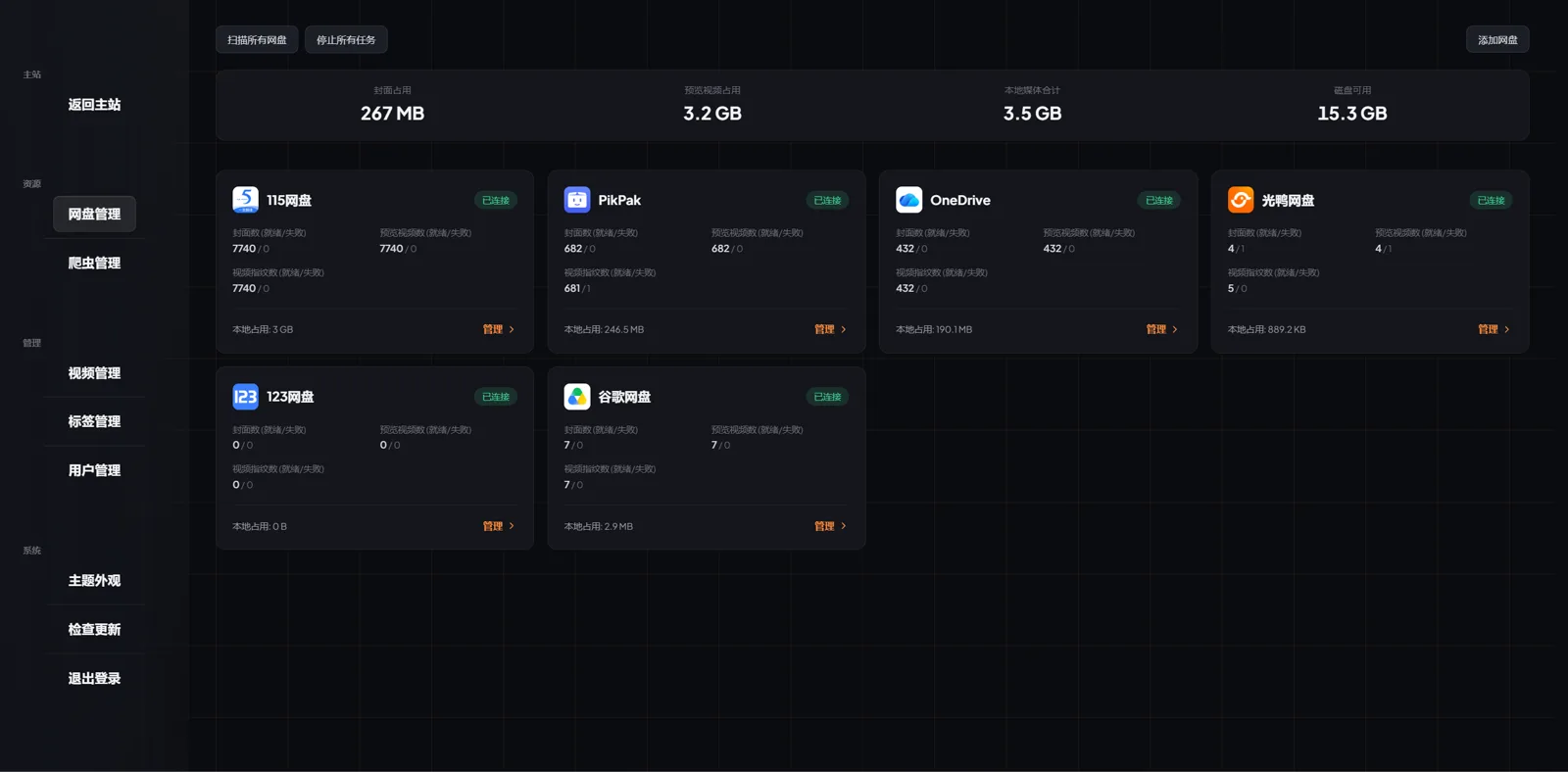
The project can connect to WebDAV, Google Drive, OneDrive, as well as popular Asian clouds like PikPak, 115, and 123pan.
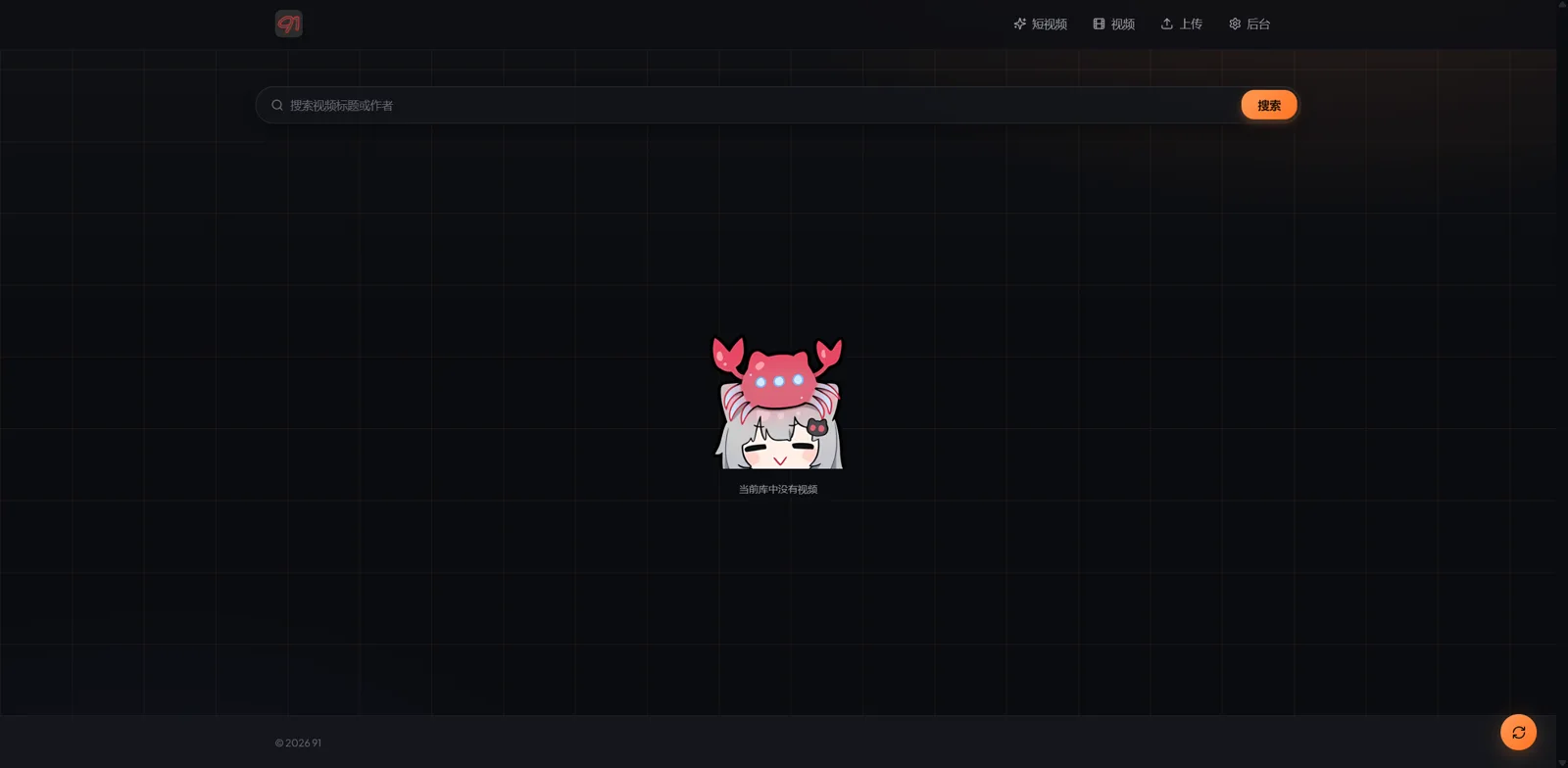
What's inside: from TikTok feed to expiring links
The developer added several specific features that you rarely see in standard self-hosted players.
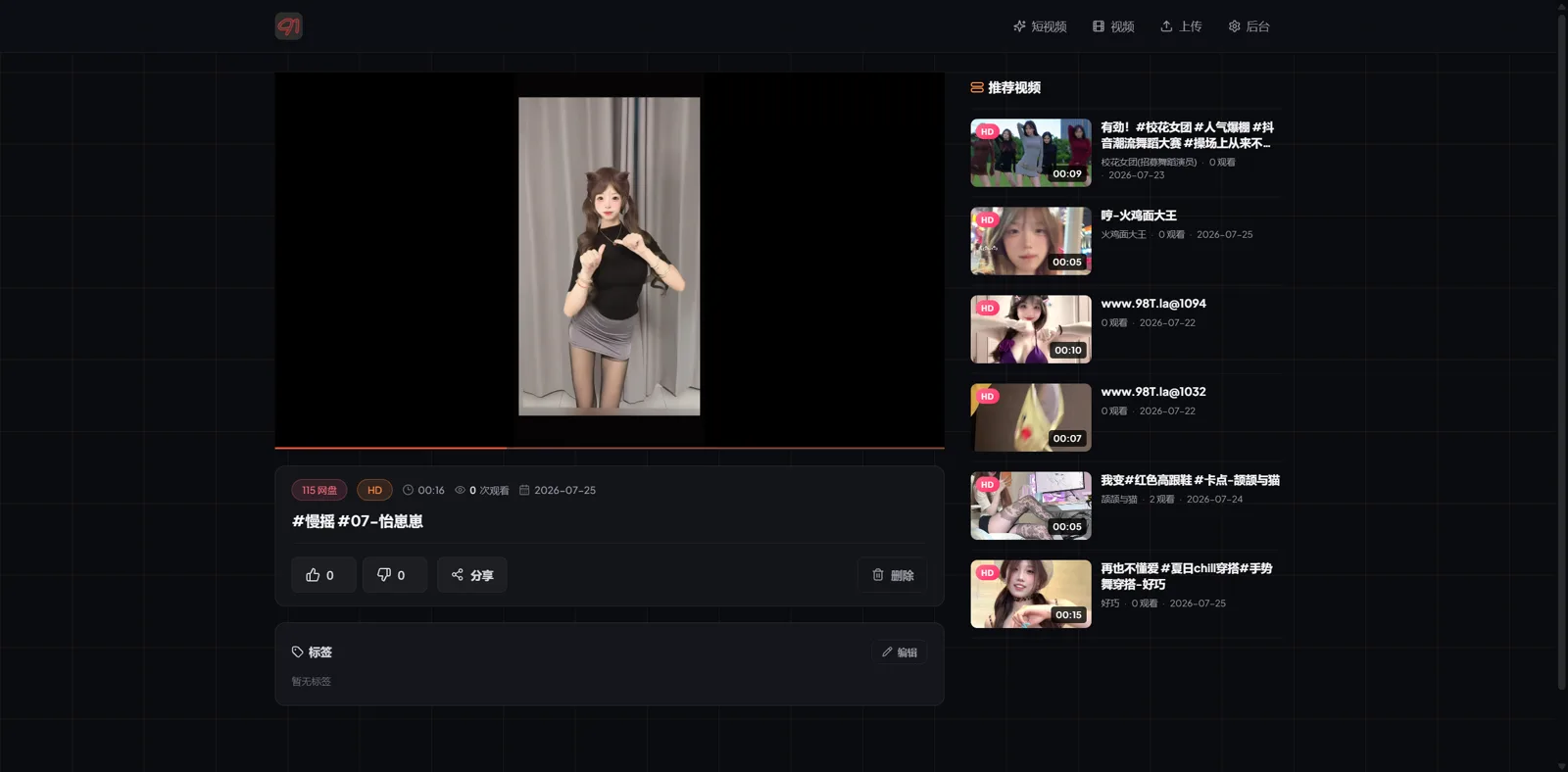
Short videos
With one button click, the interface switches to a vertical feed resembling TikTok or Reels. Videos scroll with the mouse wheel or swipes. Though the author honestly notes in the README that this mode doesn't work perfectly on iOS yet.
One-time sharing
Videos can be shared using a one-way viewing principle. A special link is generated through which the file plays exactly once without authorization. When you try to open the page again, video access is denied.
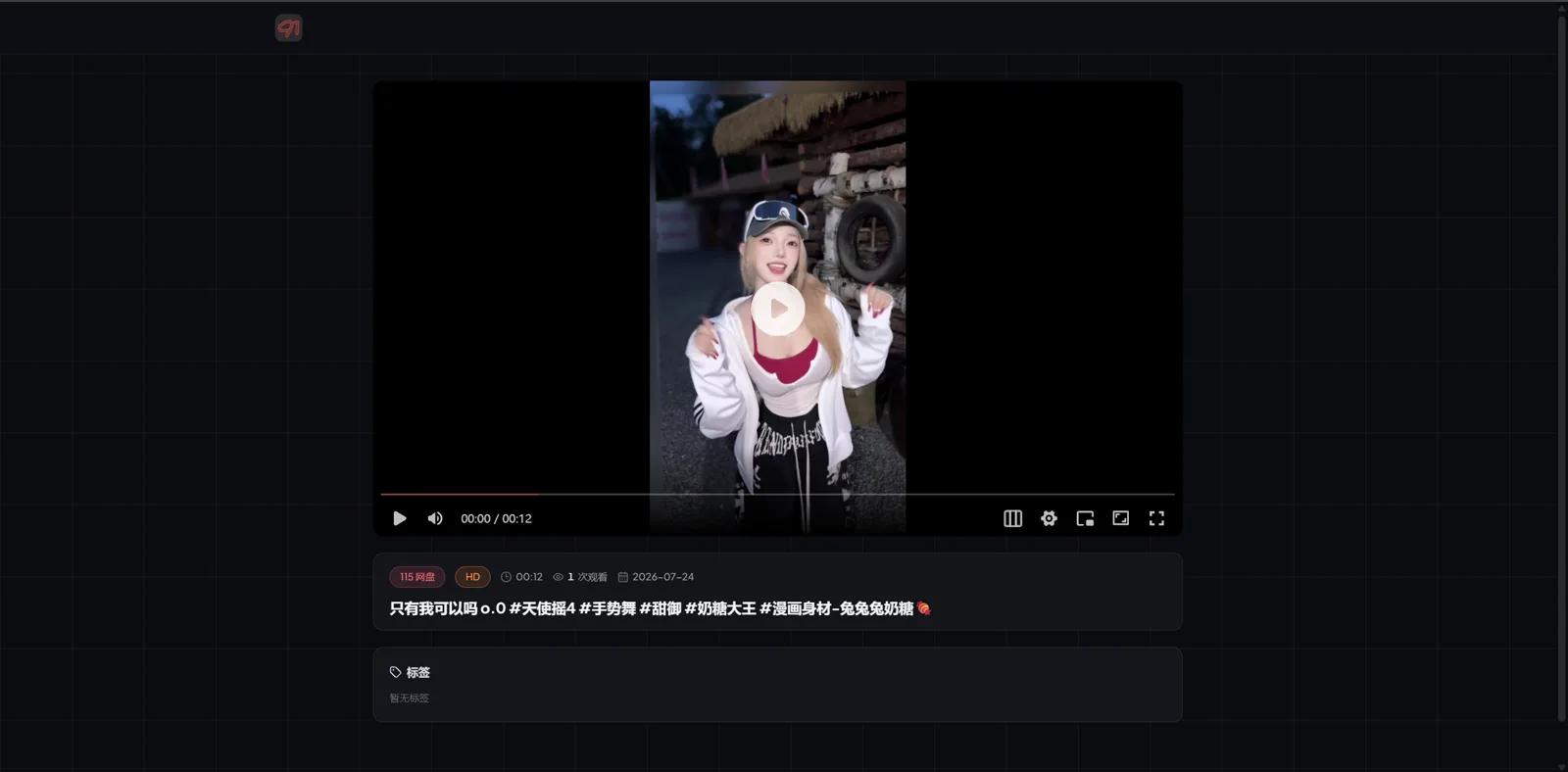
Triple screen for vertical videos
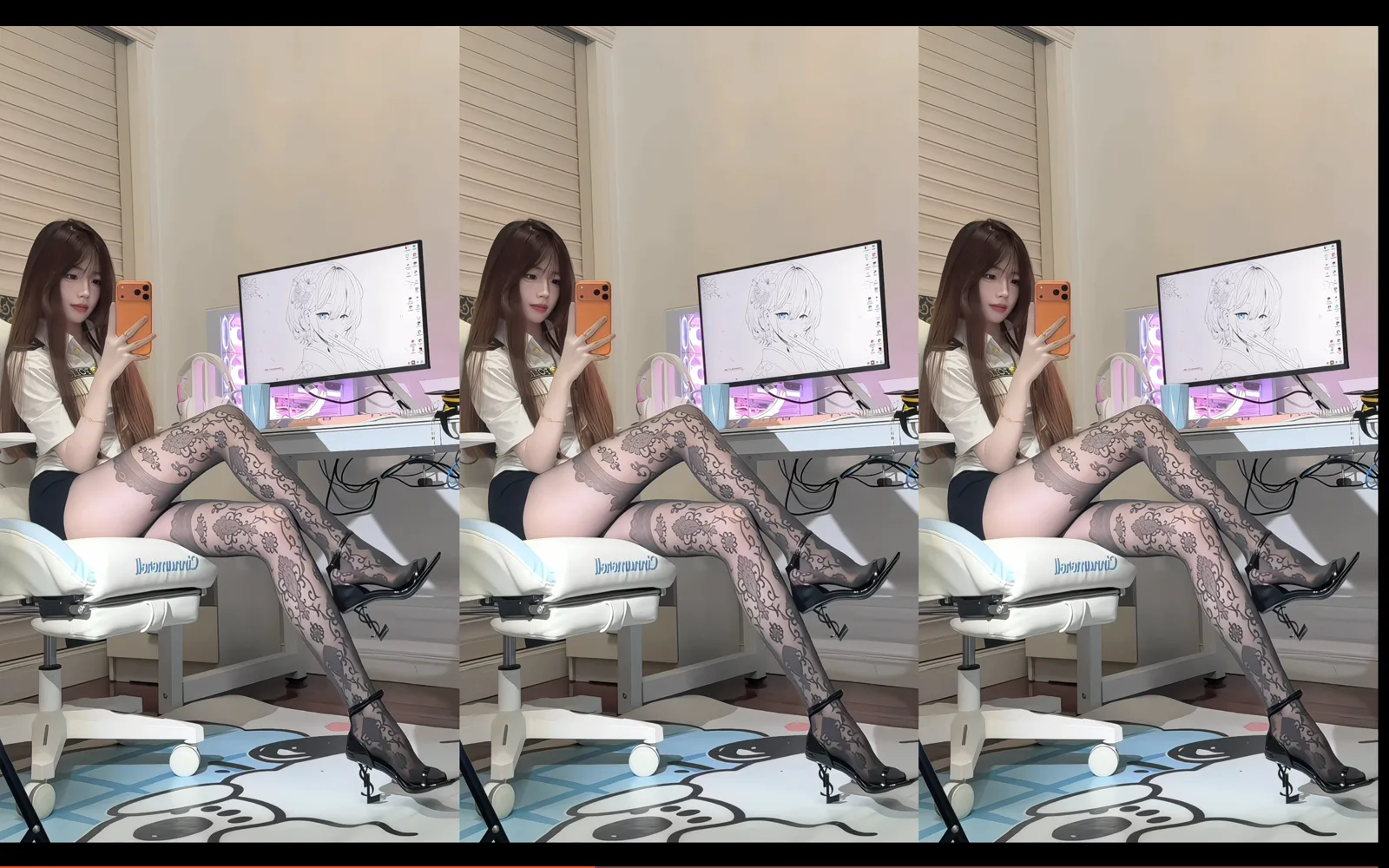
When watching vertical video on a wide computer monitor, the player can expand the image across three sections, filling the side areas with blurred duplicates. An important consideration: this mode proxies the stream through your VPS, so the traffic-free 302 redirect approach doesn't apply here.
| Single screen | Triple screen |
|---|---|
|  |
|  |
|
Custom crawlers
The system includes built-in support for external scripts that automatically populate the media library. The SpiderFor91 repository contains specifications for creating custom parsers.
How to deploy
Under the hood, Go and SQLite keep the project lightweight. Two standard installation paths are available.
Ready-made installation script
If you're running on a clean Ubuntu or Debian system, you can use the Bash script from the repository:
sudo apt update && sudo apt install -y curl ca-certificates
curl -fsSL https://raw.githubusercontent.com/nianzhibai/91/main/install.sh -o install.sh
sudo bash install.sh
After installation, a CLI utility 91 will be available in the system for managing the service. Through it you can check status, view logs, and update the binary:
91 status     # Проверить статус
91 logs       # Посмотреть логи
91 update     # Обновить сервис
Deployment via Docker Compose
For those who prefer containerization, it's easier to spin up services using the standard Compose file:
mkdir video-site-91 && cd video-site-91
curl -fsSL https://raw.githubusercontent.com/nianzhibai/91/main/docker-compose.yml -o docker-compose.yml
docker compose up -d
All data is stored locally in several files:
./data/config.yamlcontains administrator credentials and cloud tokens../data/video-site.dbstores the SQLite database../data/previews/is used for cover and preview caching.
Is it worth trying
Project 91 is an interesting find for those who need a simple web interface over cloud storage without excessive spending on a powerful server. Thanks to 302 redirects, the system can be easily run even on the cheapest VPS for a couple of dollars per month.
The obvious downside is the language barrier: documentation and part of the interface are initially oriented toward the Chinese-speaking segment of the internet. Nevertheless, basic WebDAV and international clouds work without issues. If you need a private player with one-time link functionality and vertical mode, this project is definitely worth looking into.
Related projects