How to Make Two Neural Networks Debate Your Architecture Right in VS Code
Every time you ask an LLM to do complex refactoring, you catch yourself thinking: the code looks like it works, but how optimal is this solution really? You end up opening another tab with a different model, copying the context, and double-checking whether there are any hidden bugs.
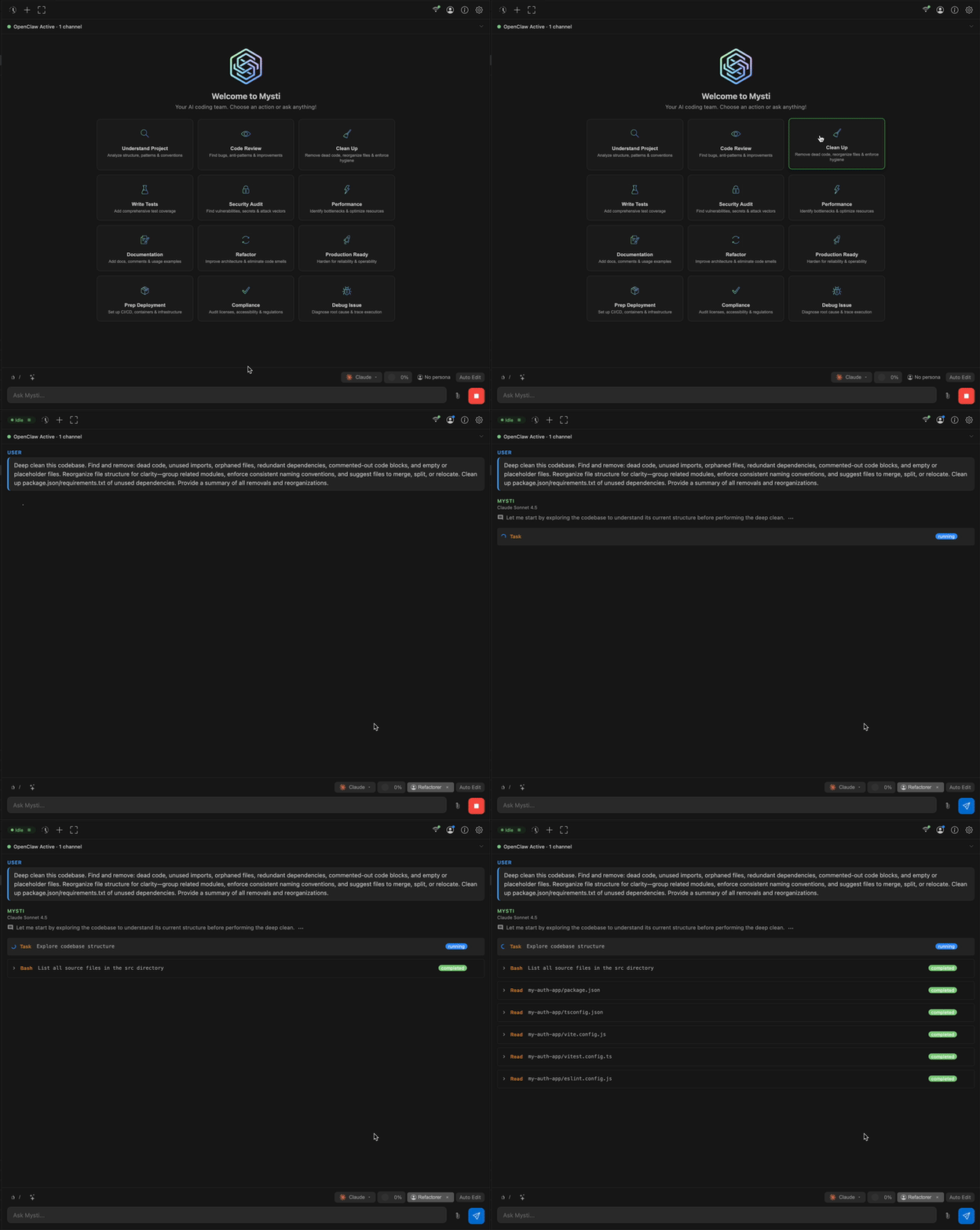
I recently discovered the Mysti plugin for VS Code, which automates this exact routine. The project takes your installed CLI assistants and combines them into a unified interface where they can work both individually and in pairs, critiquing and complementing each other's ideas.
Under the Hood
The Mysti authors took a pragmatic approach. They're not selling you their own paid cloud gateway subscription. The extension works on top of local CLI tools that you're already paying for or running on your own machine.
Onboard support for 12 providers: Claude Code, OpenAI Codex, Gemini CLI, GitHub Copilot, Cline, Cursor, OpenClaw, OpenCode, Qwen Code, as well as fully local Ollama and LocalAI.
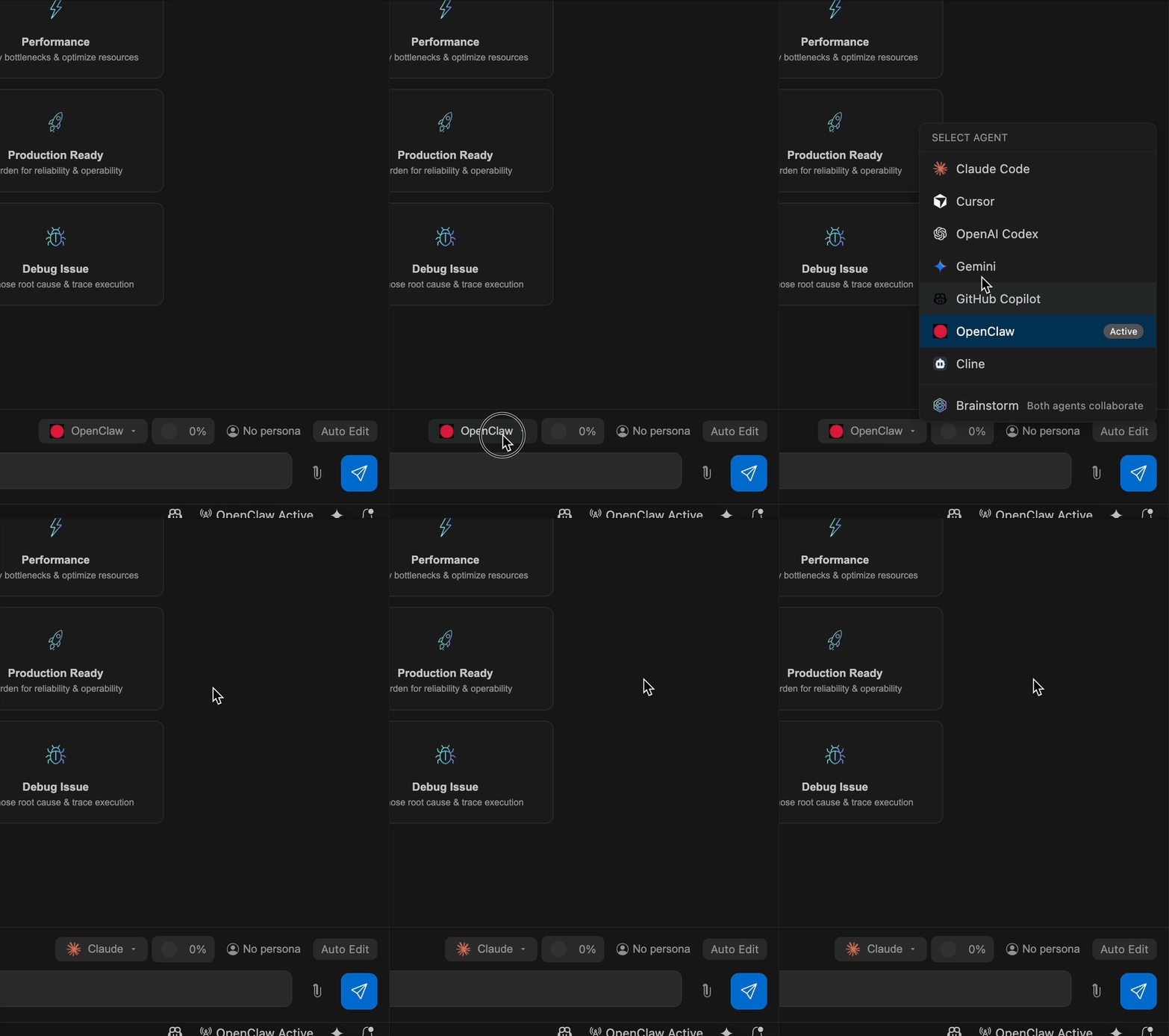
You simply switch models in the interface without needing to leave the editor or set up separate proxies.
Brainstorm Mode
The main feature of the extension is Brainstorm mode. You select any two agents from the available ones, give them a task, and specify an interaction scenario.
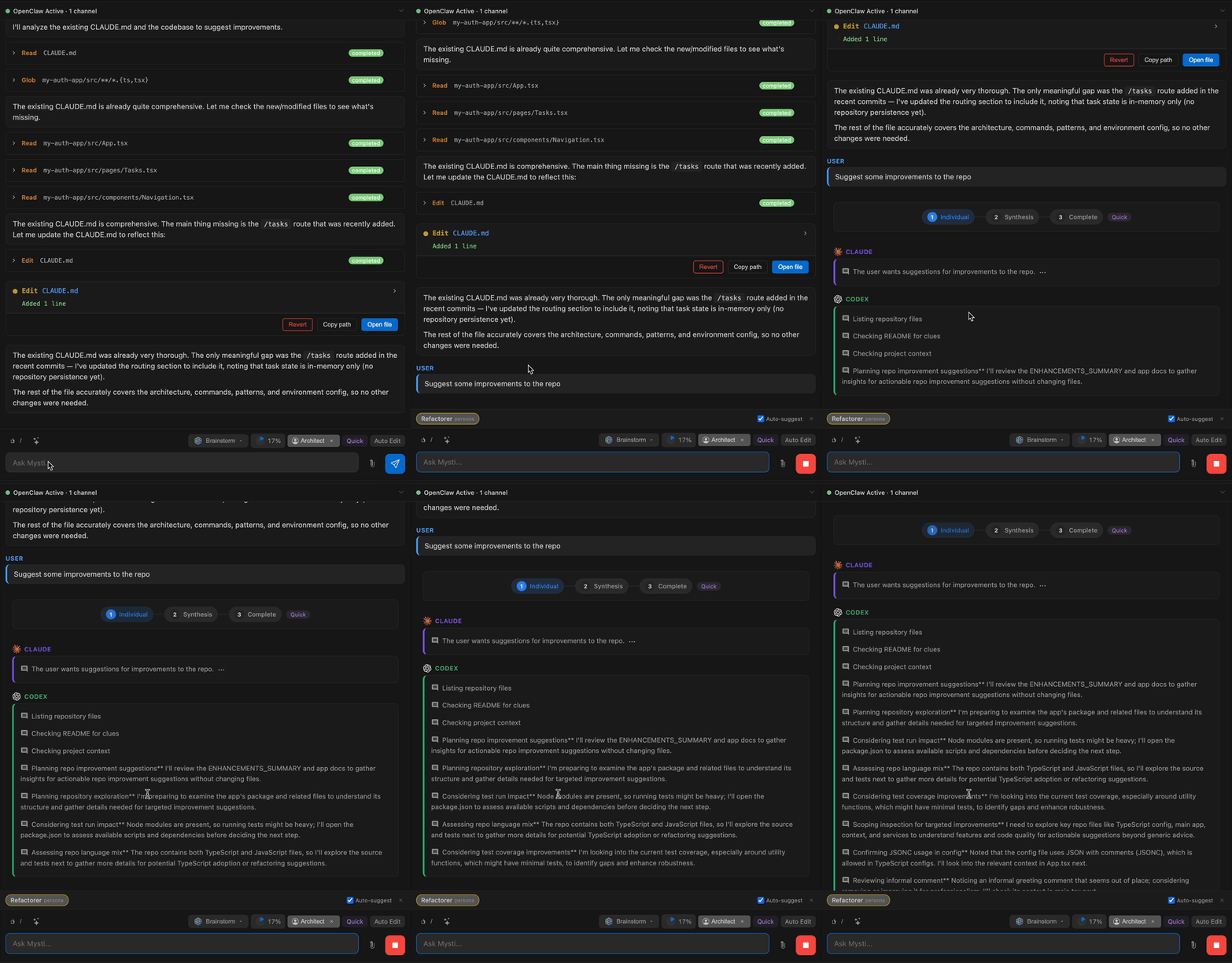
There are five ready-made strategies in the settings:
- Quick — direct synthesis of responses for quick tasks;
- Debate — classic argument between critic and defender, useful when choosing architectural patterns;
- Red-Team — stress testing, where one agent proposes a solution and the second deliberately looks for vulnerabilities and edge cases;
- Perspectives — risk analyst versus innovator when designing a system from scratch;
- Delphi — facilitator and editor distill complex requirements into a shared consensus.
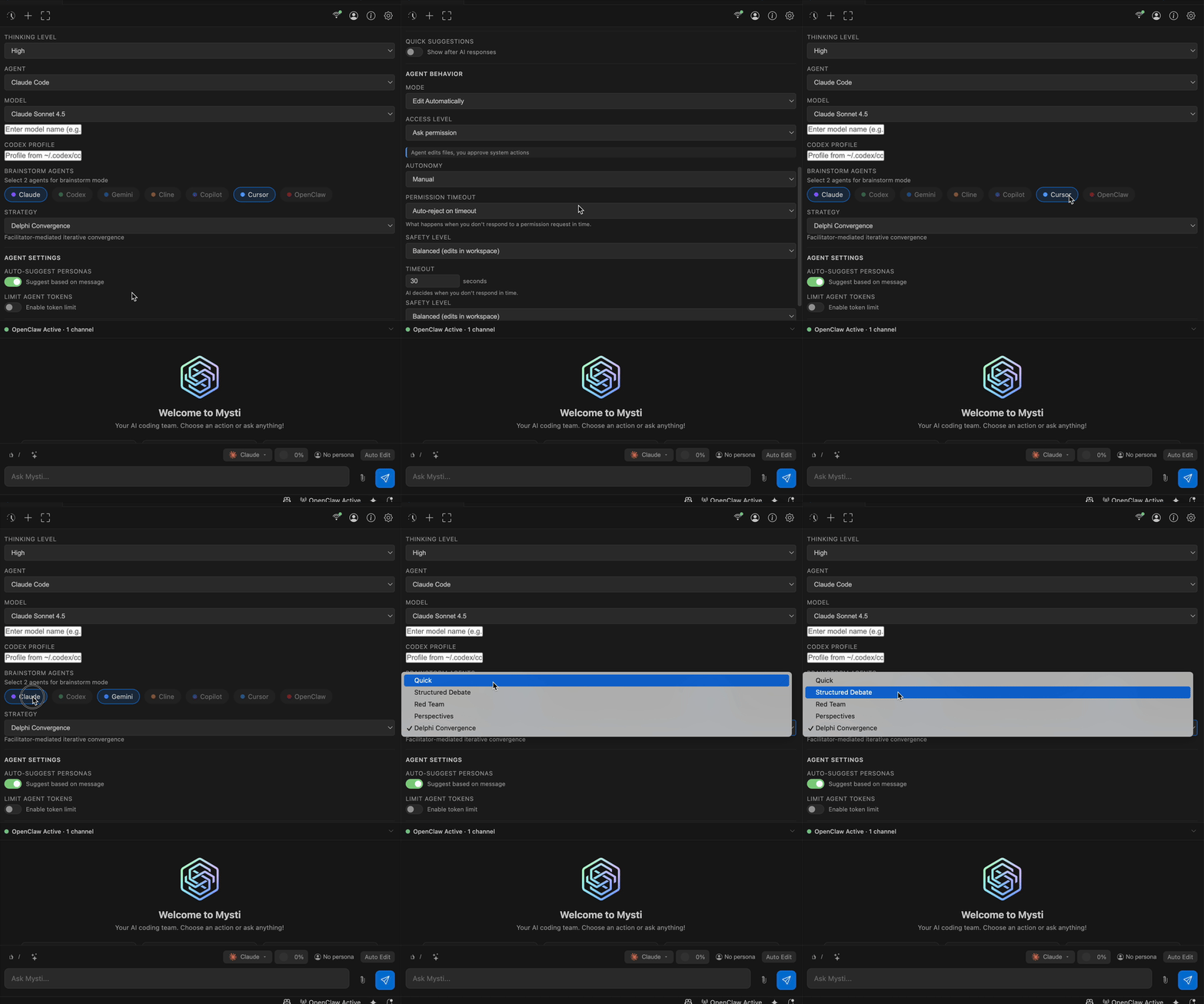
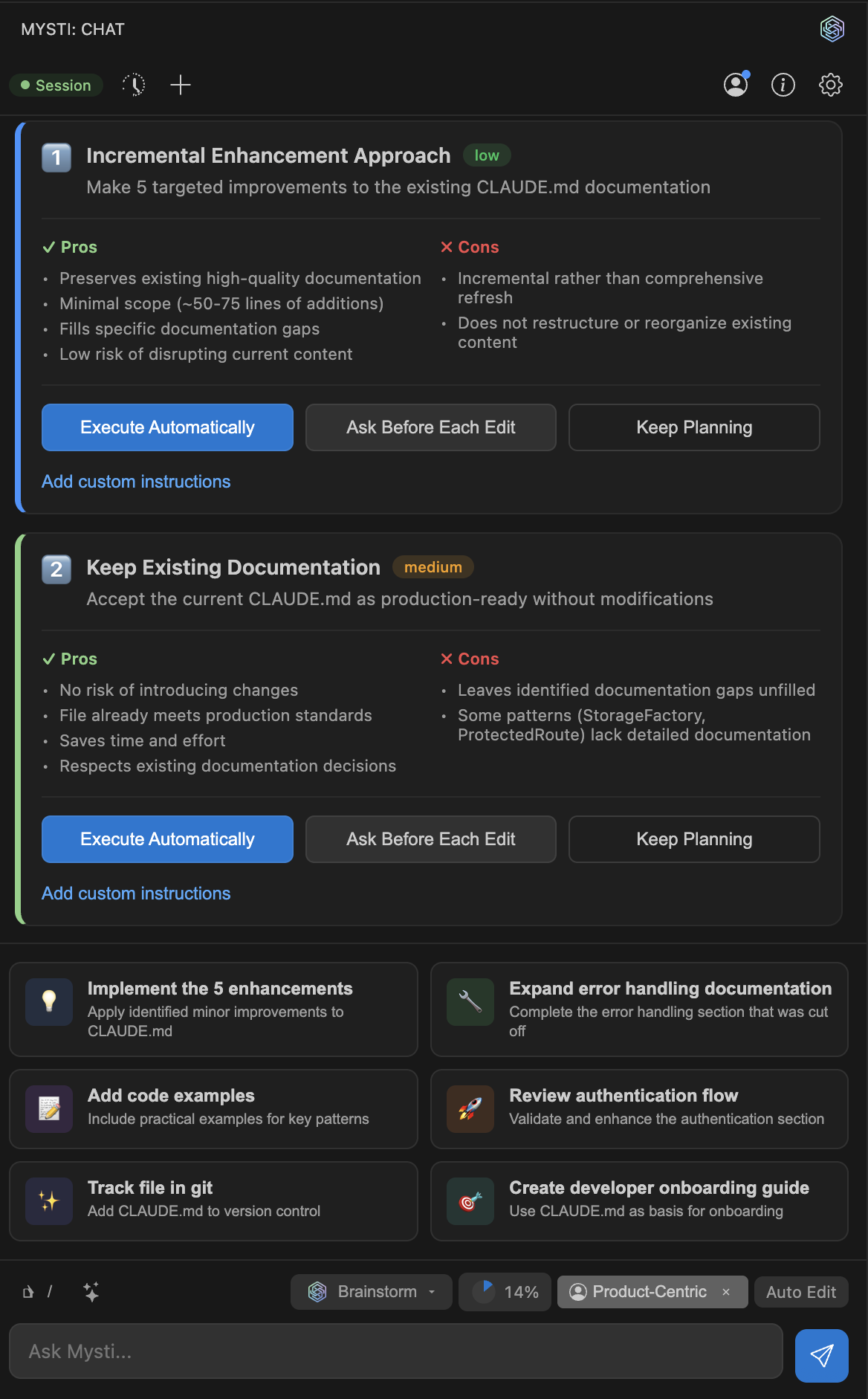
To prevent models from looping endlessly in debates, Mysti has a built-in auto-convergence mechanism. The system tracks the degree of agreement between agents. Once positions stabilize, the dialogue ends and you receive a final synthesis.
Routing via Mentions and Context
The chat interface supports familiar mentions via @. This lets you distribute tasks right within a single dialogue:
@src/auth.ts @gemini найди узкие места по производительности
@claude напиши тесты на этот модуль, затем @codex оптимизируй их
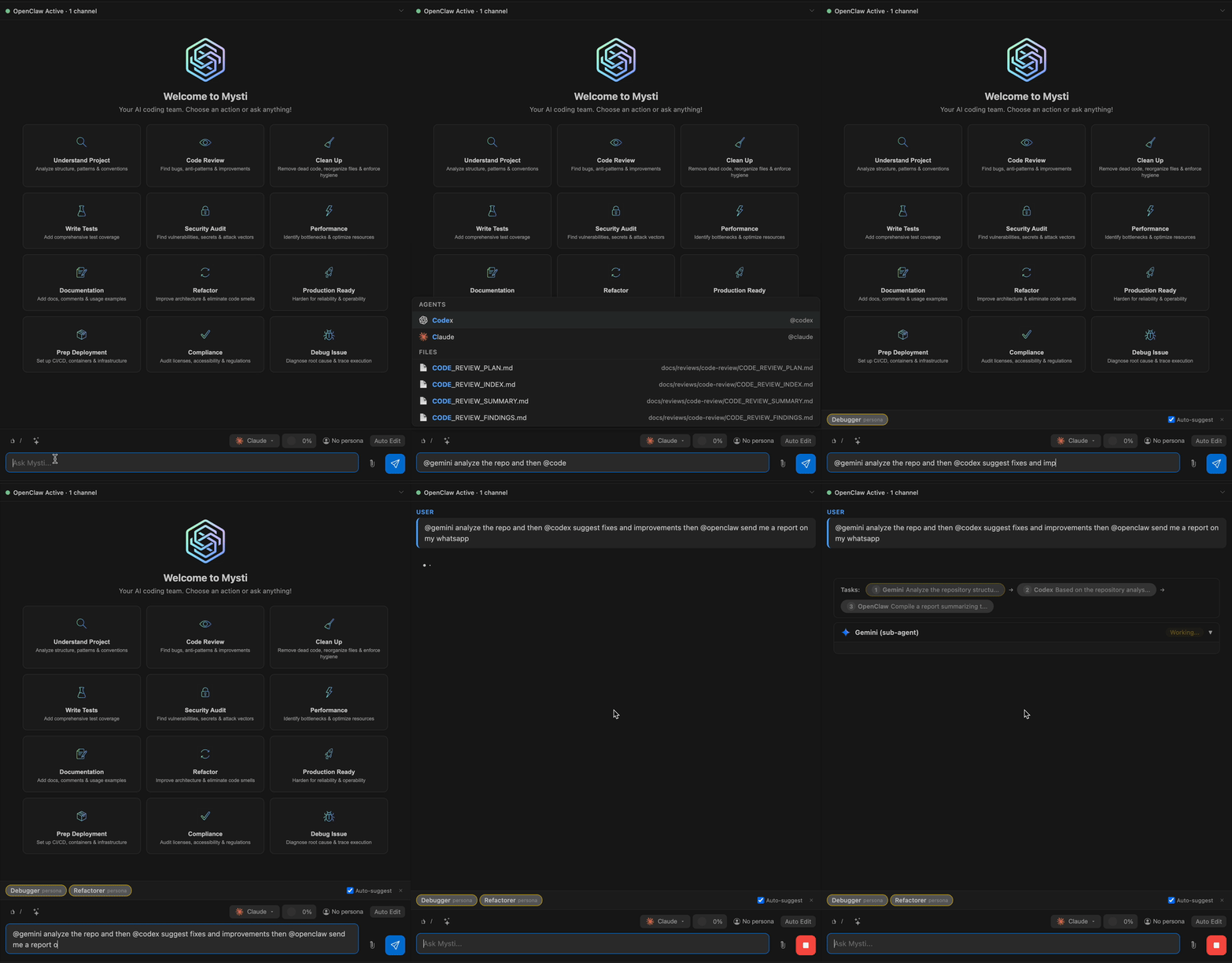
When there's a chain of calls, the second agent automatically receives the first one's response in context.
When the dialogue grows, the Compaction mechanism kicks in. When the context window reaches 75% capacity, the plugin compresses the history: Claude Code uses the native /compact command, while client-side summarization works for other models.
Autonomy and Access Control
Giving agents full freedom in a project can be risky. In Mysti, access control is divided into three clear modes: read-only, confirmation request per file, and full access.
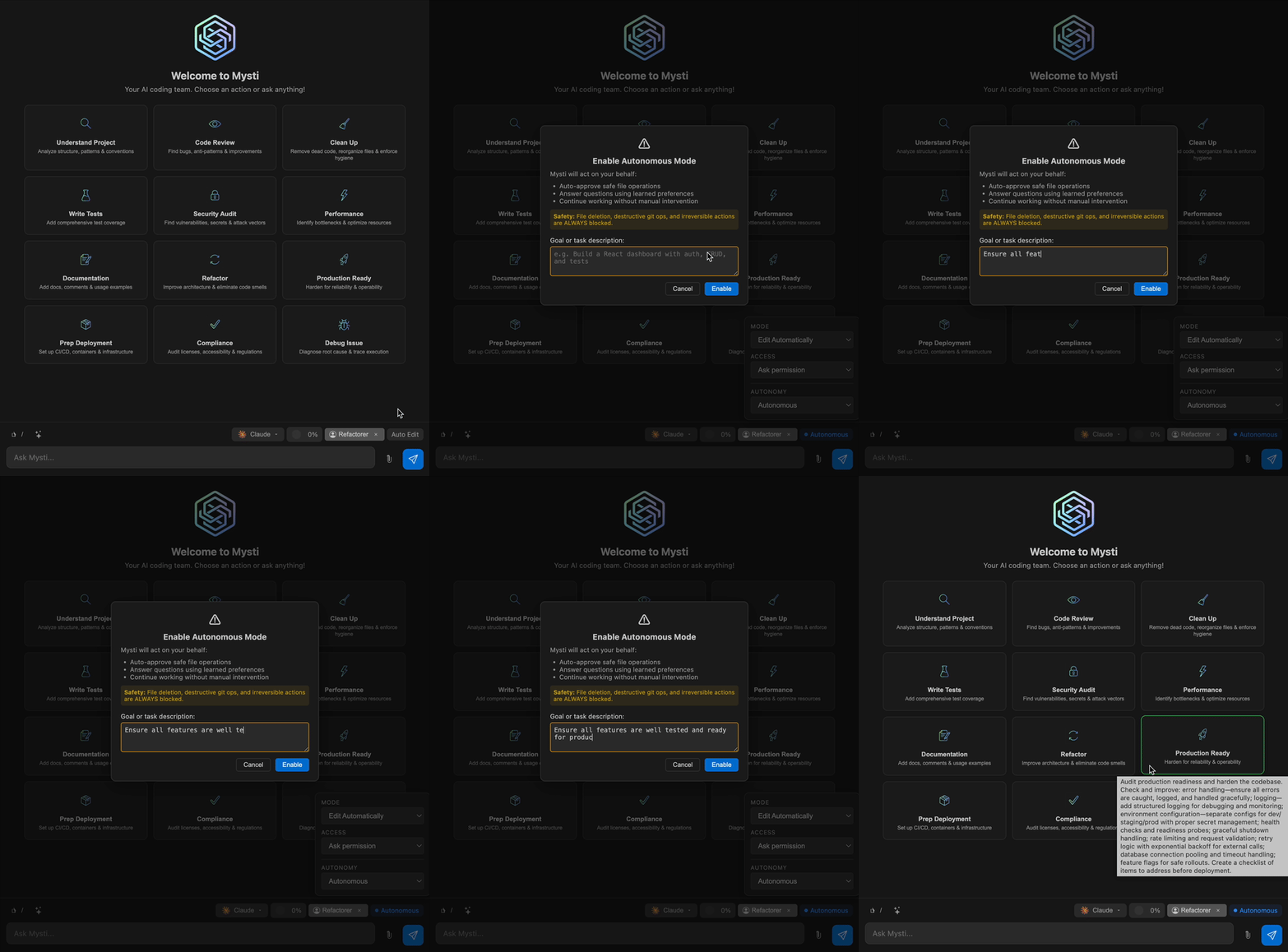
For autonomous sessions, there's a built-in safety classifier. It remembers your decisions and keeps a log of every action. If a script tries to execute something suspicious, the command is automatically blocked.
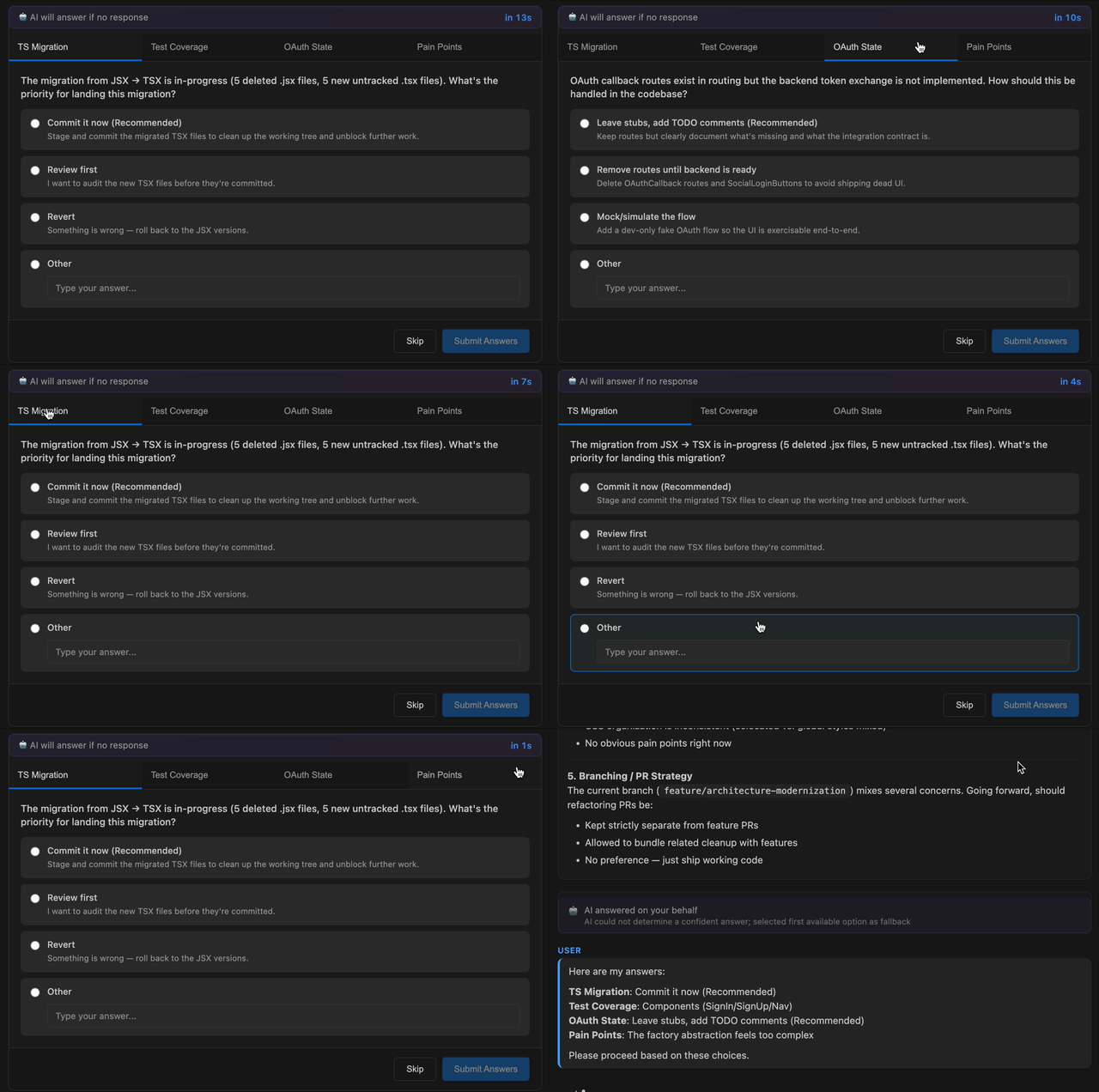
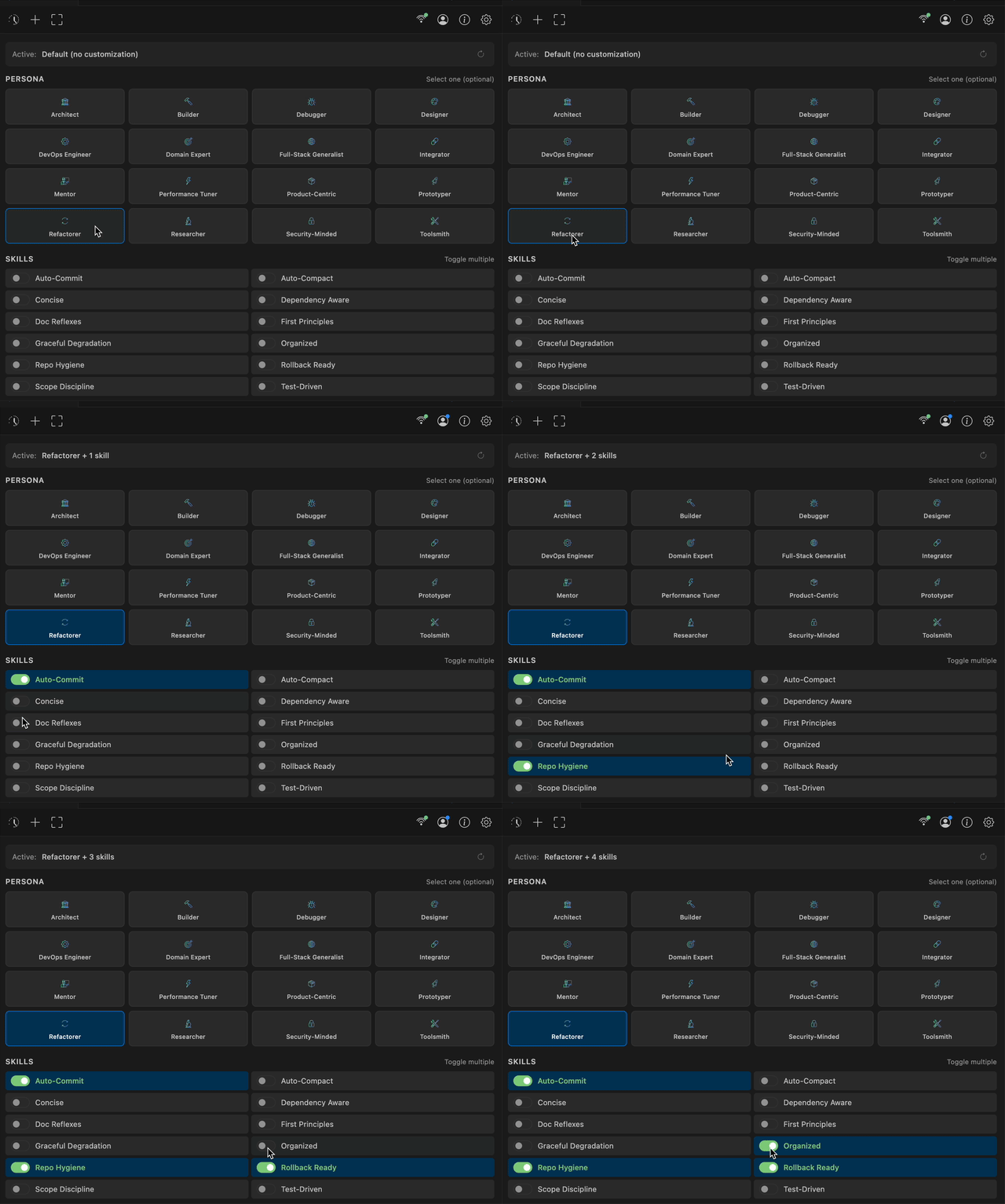
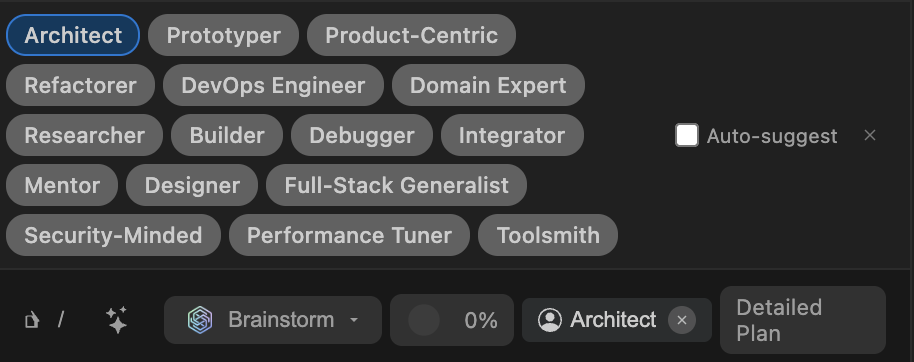
Additionally, model behavior can be customized through 16 built-in roles (Architect, Debugger, Security Expert) and modifiers like Test-Driven or Auto-Commit.

Quick Start
You can install the extension directly from the VS Code marketplace:
ext install DeepMyst.mysti
For basic operation, you need at least one installed and authenticated CLI tool. For example, Claude Code or Gemini:
# Для Claude Code
npm install -g @anthropic-ai/claude-code
claude auth login

# Или для Gemini CLI
npm install -g @google/gemini-cli
gemini auth login
If you want full privacy, spin up a local model via Ollama:
ollama run qwen2.5-coder
After that, open the panel with Ctrl+Shift+M (or Cmd+Shift+M on macOS) and start working.


Is It Worth Trying
Mysti solves a practical problem: it brings together scattered CLI utilities under one roof and makes them work together.
The tool is useful if you regularly cross-check code with different models or design complex modules where you need an outside perspective. The ability to pair a local Ollama with cloud-based Claude right in the editor saves a lot of time during reviews.
The project code is open under the Apache 2.0 license, with sources available in the DeepMyst/Mysti repository.
Related projects