PDF Craft: Forget About "Dead" PDFs – Turn Scans into Live Text!
Know the situation when you get a PDF document in your hands, or worse, an entire book in scan format? The text can't be copied, search doesn't work, and reading on an e-reader is pure torture. This is a problem that probably everyone who has ever worked with academic literature or old digitized documents has faced. And that's when a hero steps onto the stage, capable of breathing life into these "dead" files – a project called PDF Craft.
What is it and why do you need it?
PDF Craft is a powerful Python tool designed for one, but very important, purpose: to convert PDF files, especially scanned books, into more convenient and editable formats such as Markdown and EPUB. Imagine you have an old but very valuable book in PDF that someone once simply scanned. With PDF Craft, you can turn it into a full-fledged e-book for your reader or into a Markdown file that you can work with like regular text: search, copy, edit, reformat. It's simply a godsend for students, researchers, developers, and really for anyone who values their time and convenience when working with information.
Key features that impressed me
The project doesn't just "extract" text. It does it smartly, using cutting-edge technologies.
Intelligent recognition and structure preservation
At the core of PDF Craft lies DeepSeek OCR – a powerful optical character recognition technology. This isn't just OCR that outputs a set of characters. DeepSeek OCR can recognize complex content: tables, formulas, footnotes, images within footnotes. It doesn't just scan text; it analyzes the document structure, separating main text from headers and footers, preserving the integrity of important elements.
By the way, do you remember how tables turn into a mess when copying from PDFs, and formulas become a set of incomprehensible symbols? PDF Craft solves this problem by trying to preserve these elements as close to the original as possible, whether it's an HTML table or a MathML formula.
Local and incredibly fast operation
One of the main highlights of version 1.0.0 and above is the complete abandonment of large language models (LLM) for text correction. This means the entire conversion process happens locally, without sending your data anywhere and without delays associated with network requests. If you have a GPU, the process will be lightning-fast thanks to hardware acceleration. Forget about long waits and connection drops!
Although, if you still need the LLM correction function, the developers kindly left the option to use the old v0.2.8 version.
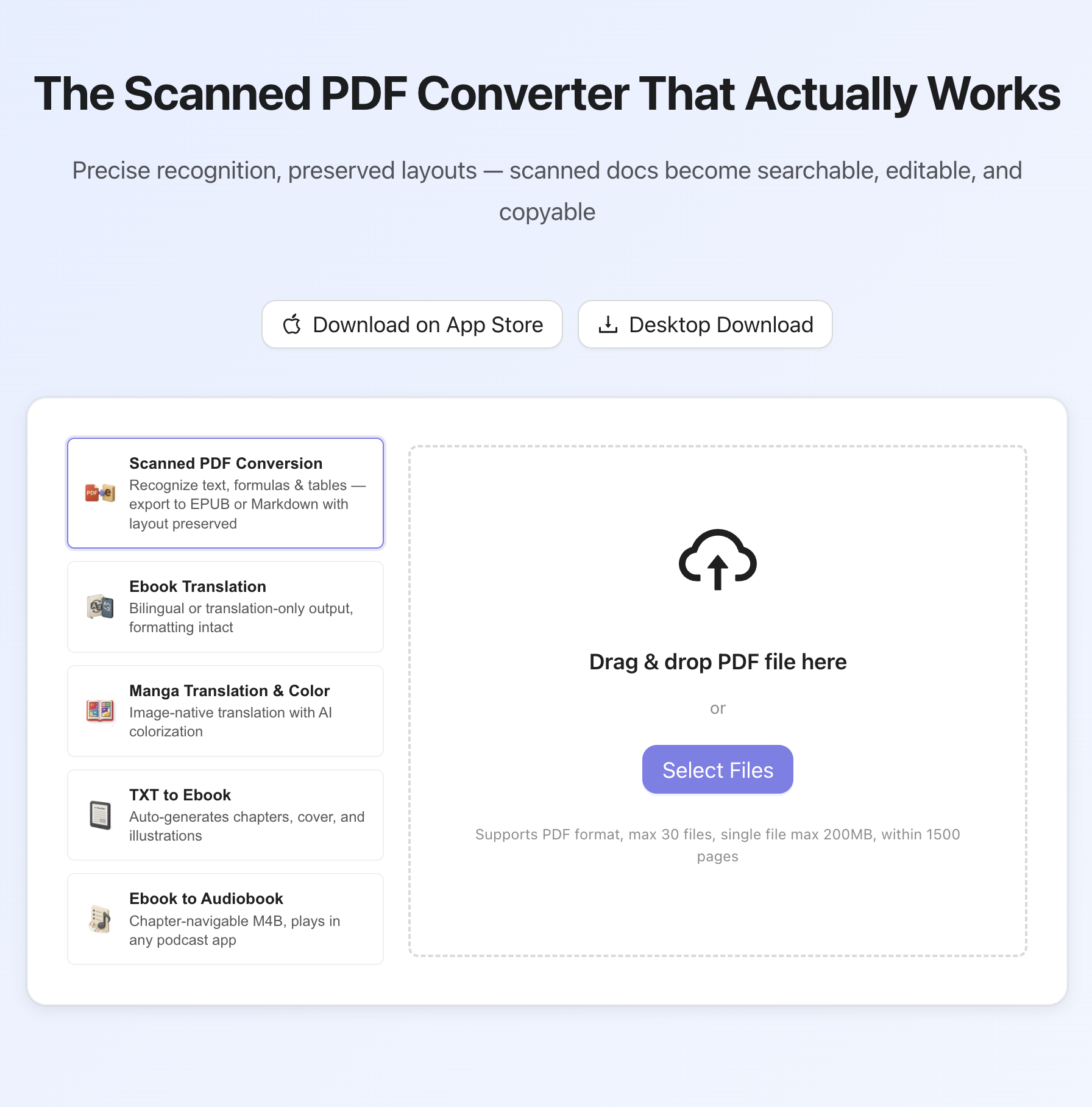
You can evaluate the speed and quality of work right now by trying the online demo.
Output flexibility: Markdown and EPUB with automatic table of contents creation
PDF Craft allows you to convert PDFs into two popular formats: Markdown and EPUB.
-
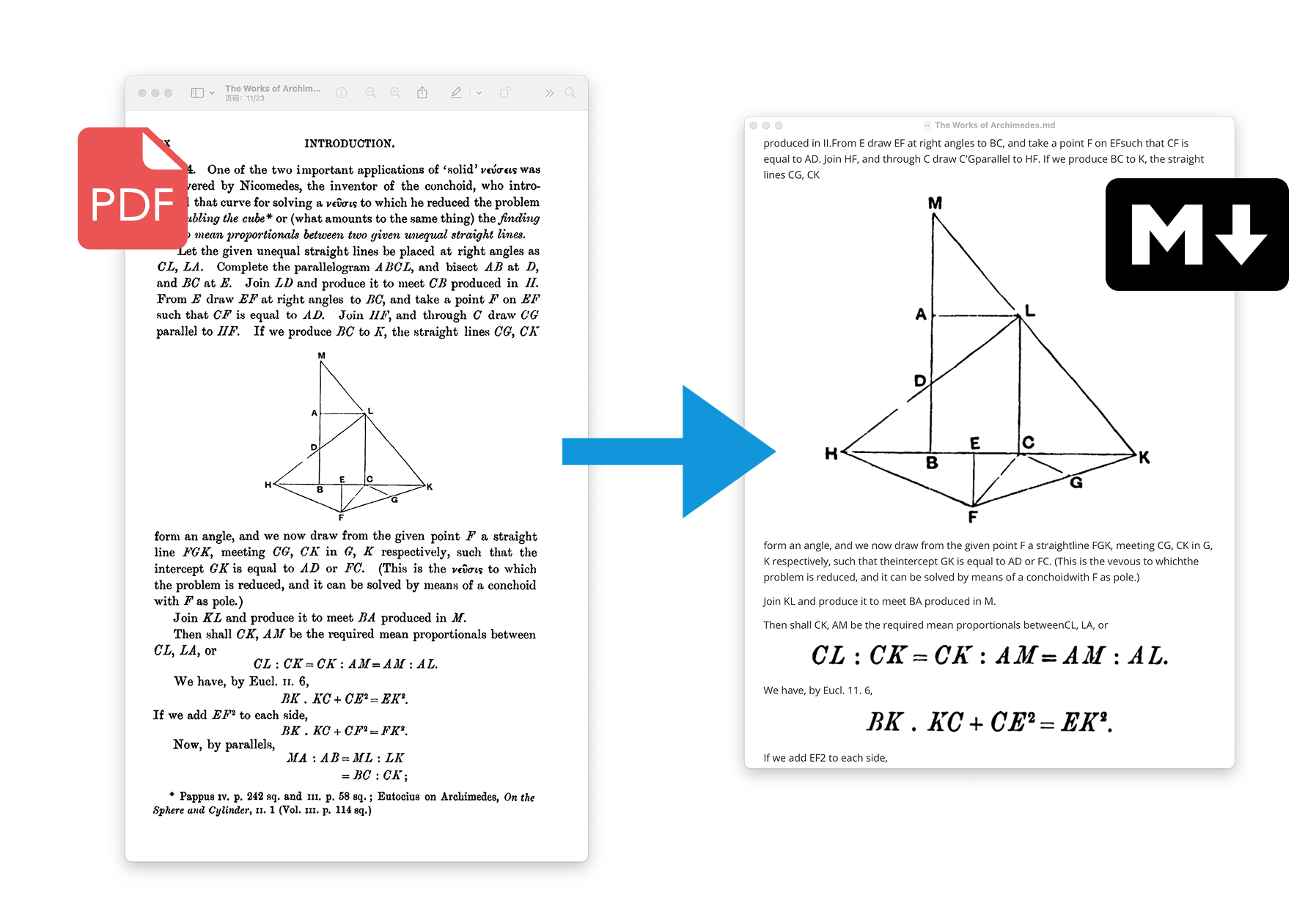
Markdown: Ideal for those who want simple, structured text that's easy to integrate into their notes, documentation, or blogs. Images are saved in a separate folder in this case.
from pdf_craft import transform_markdown

transform_markdown(
    pdf_path="input.pdf",
    markdown_path="output.md",
    markdown_assets_path="images",
)
-
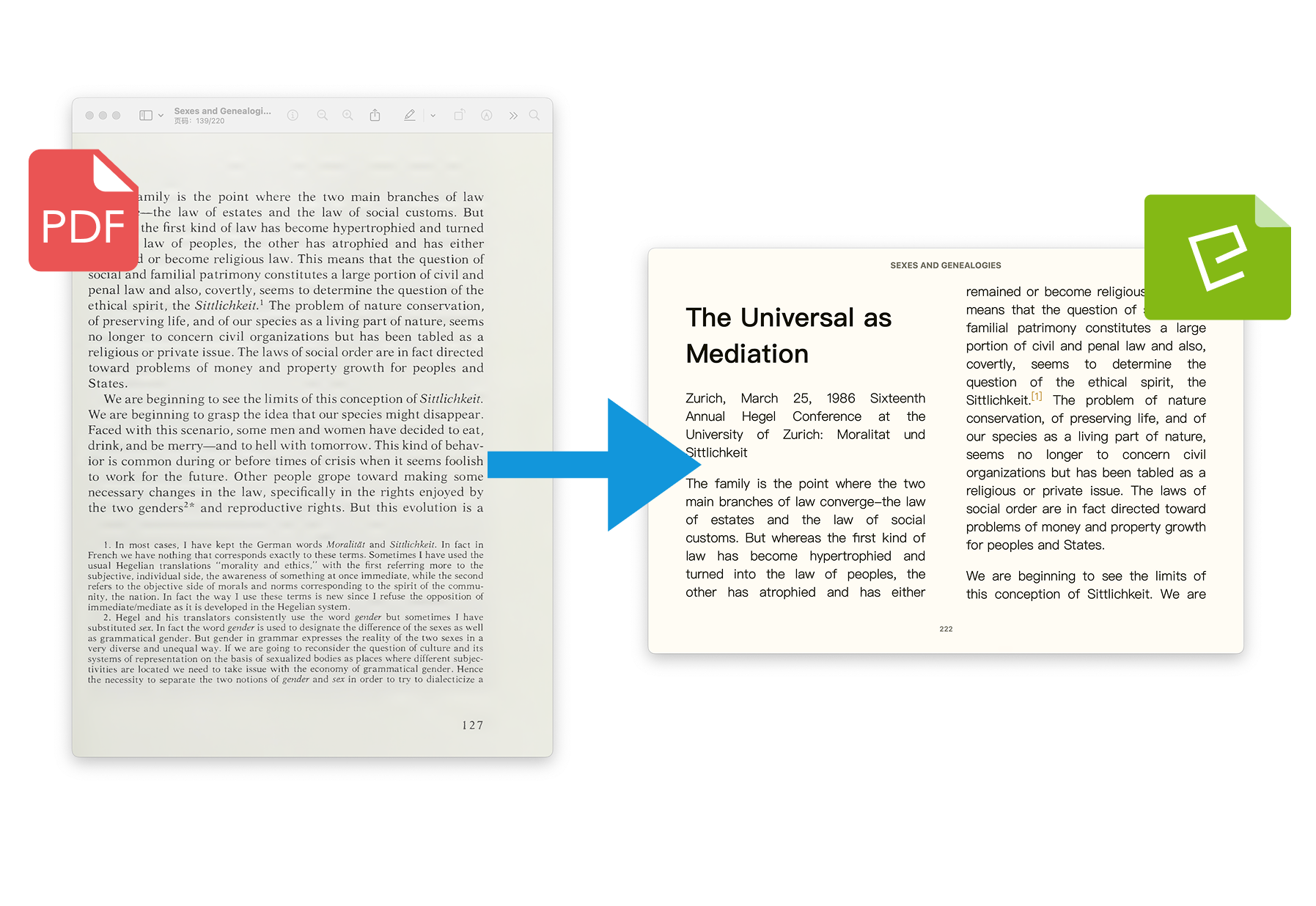
EPUB: Your choice if you want to create a full-fledged e-book for comfortable reading on an e-reader. PDF Craft automatically generates a table of contents, which is very convenient for navigating through the book.
from pdf_craft import transform_epub, BookMeta

transform_epub(
    pdf_path="input.pdf",
    epub_path="output.epub",
    book_meta=BookMeta(
        title="Моя Отсканированная Книга",
        authors=["Автор 1", "Автор 2"],
    ),
)
Fine-tuning for your needs
The project offers many parameters for fine-tuning the conversion process. You can choose the OCR model size (from tiny to gundam), specify a path for model caching, enable or disable footnote processing, set the table rendering method (TableRender.HTML or TableRender.CLIPPING - just an image) and formulas (LaTeXRender.MATHML, LaTeXRender.SVG or LaTeXRender.CLIPPING). This gives you full control over the final result.
By the way, there's even a mode where you can ignore rendering errors on individual PDF pages so as not to interrupt the entire process (ignore_pdf_errors=True). Very useful for "broken" files!
How it works under the hood
As I mentioned, the heart of the OCR engine is DeepSeek OCR. The models for it are downloaded automatically from Hugging Face on the first run, but you can preload them in advance or specify your own cache path, which is especially convenient for production environments or offline work.
from pdf_craft import predownload_models

predownload_models(
    models_cache_path="./my_models", # Указываем свой каталог для кэша
)
For parsing PDF files, pdf-craft uses Poppler (through the pdf2image library). If Poppler is not in your PATH, you can always specify the path to it manually:
from pdf_craft import transform_markdown, DefaultPDFHandler

transform_markdown(
    pdf_path="input.pdf",
    markdown_path="output.md",
    pdf_handler=DefaultPDFHandler(poppler_path="/путь/к/poppler/bin"),
)
It's nice to see that the project is licensed under MIT, which makes it very flexible for use in various projects.
Practical applications: Where will PDF Craft come in handy?
- Digitizing your library: Do you have piles of scanned books or old documents that you want to make searchable and editable? PDF Craft is your best helper.
- Reading on any device: Convert boring PDFs into convenient EPUB for reading on Kindle, PocketBook, or any other e-reader. Automatic table of contents will make navigation pleasant.
- Data extraction for analysis: Need to quickly extract text, tables, or formulas from dozens of scientific articles? This tool will do it for you while preserving the structure.
- Creating educational materials: Convert PDF textbooks into editable formats for creating lecture notes or adapting to your needs.
- Combining with other tools: Developers even mention the possibility of using it together with the epub-translator project, which can automatically translate EPUB books while preserving their format. Imagine: scanned book -> EPUB -> translated bilingual EPUB. That's just pure magic!
Conclusion: Is it worth trying?
Without a doubt, yes! If you've ever faced the problem of working with scanned PDFs, PDF Craft can become your salvation. It's not just a converter, but a smart tool that understands document structure and strives to preserve it.
It will be perfect for:
- Those who work a lot with academic texts and scanned documents.
- Developers who need to automate the PDF processing workflow.
- E-book enthusiasts who want to transfer their paper libraries to digital format.
By the way, if you don't want to install anything, you can try the online demo. It's a great way to quickly evaluate the project's capabilities.
Try PDF Craft on GitHub and give your "dead" PDFs new life!
Related projects